


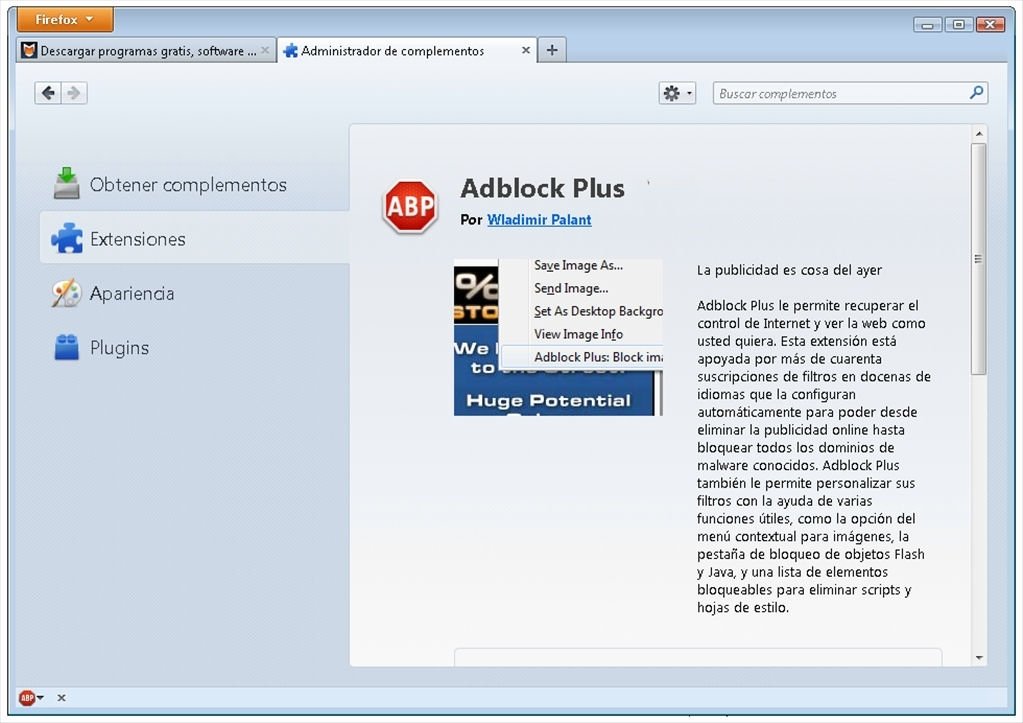
Block Internet adverts
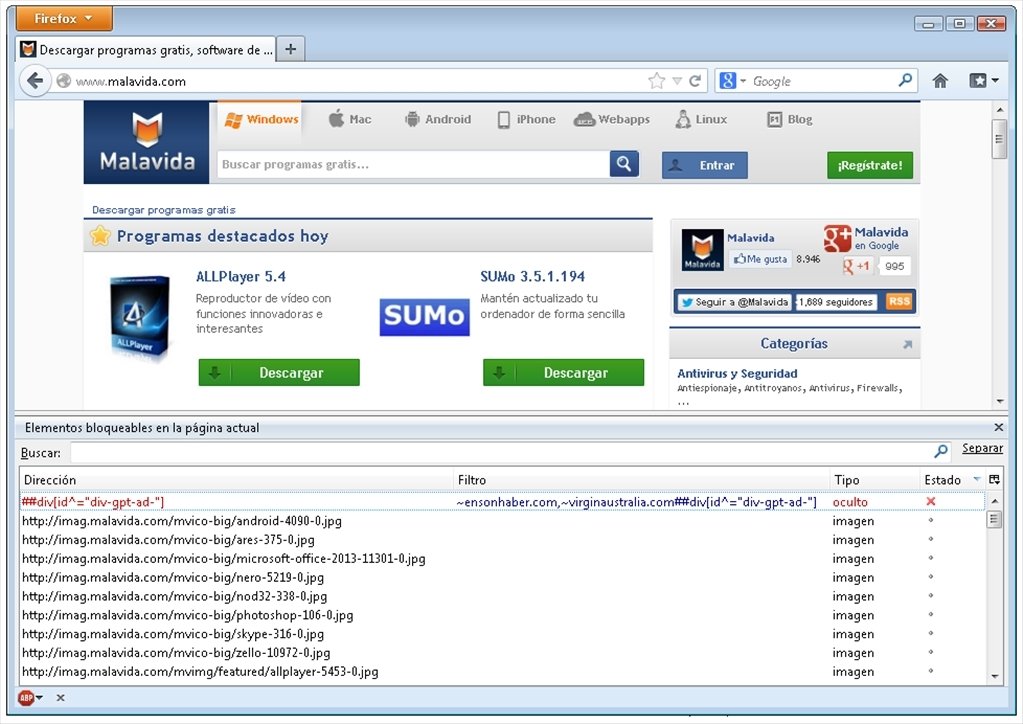
Are you tired of invasive online adverts? The solution is Adblock, a free add-on for Firefox that blocks adverts.
Browse the web without annoying adverts!
Most websites contain annoying advertisements, and in view of this online product and service barrage, there is nothing better than Adblock Plus for Firefox.
Regain control over the Internet and change the way you see the web.
Main features
- Block all forms of adverts: banners, pop-up windows and even video adverts on Youtube and Facebook publications.
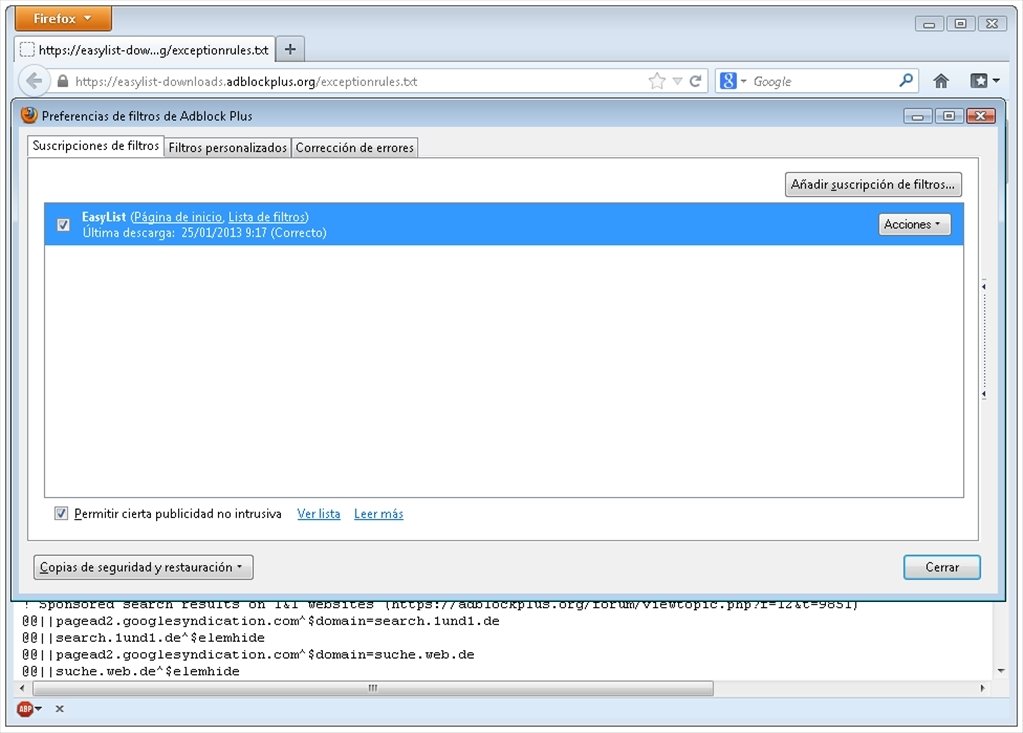
- Edit filters independently to allow certain ads.
- Keep your privacy intact.
- Typo protection: automatically corrects badly written URLs that could lead you to malicious domains.
- Disable tracking systems by publicity agencies.
- Block domains that spread malware.
- Delete embedded social network buttons from websites and avoid the problems that they can cause.
Advertising is from the past.
Put an end to annoying adverts on the Internet. To browse faster without distractions all you have to do is download Adblock free for Firefox.
 Elies Guzmán
With a degree in History, and later, in Documentation, I have over a decade of experience testing and writing about apps: reviews, guides, articles, news, tricks, and more. They have been countless, especially on Android, an operating system...

Antony Peel